Editor Prototype.
A downloadable Editor
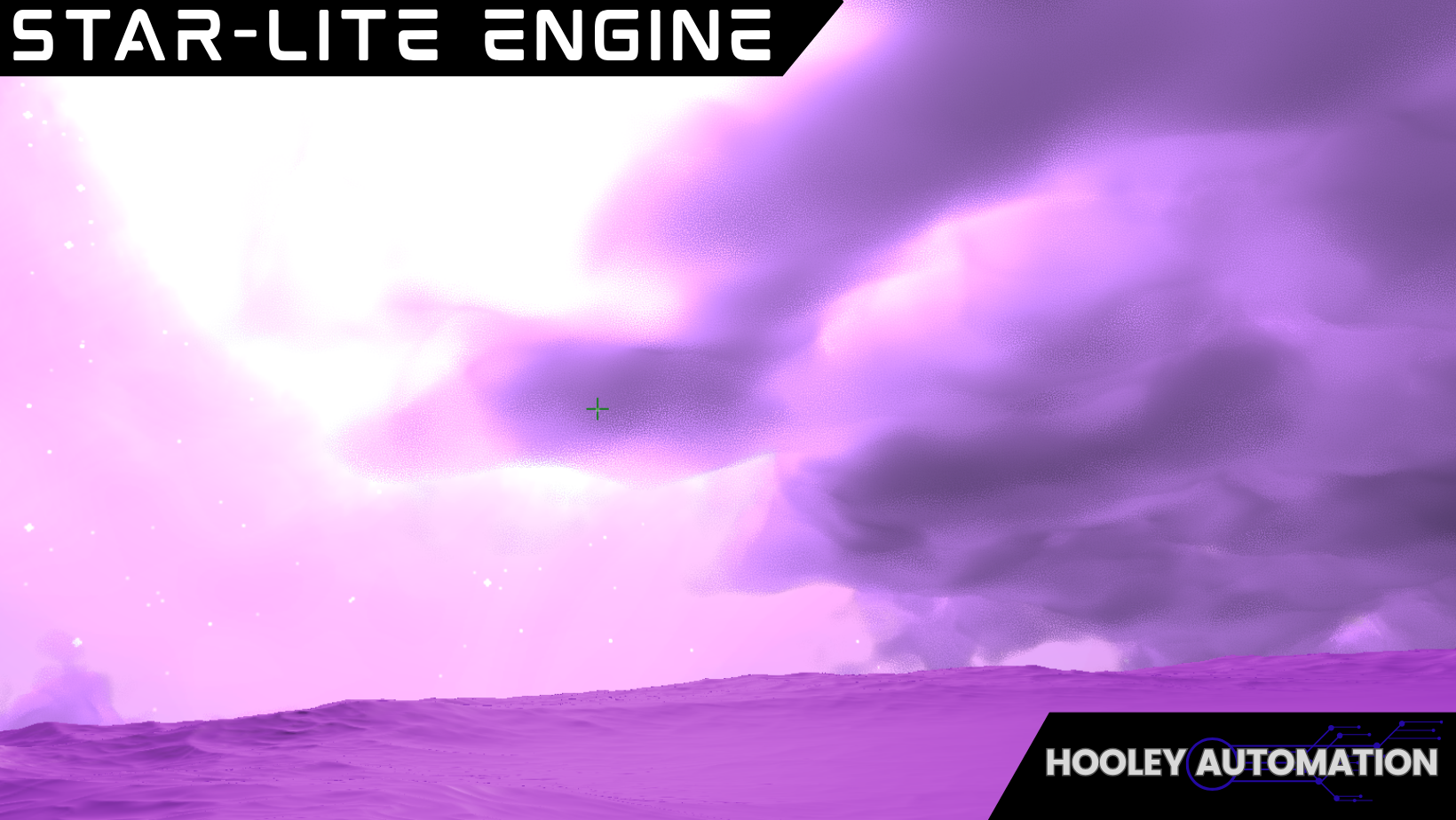
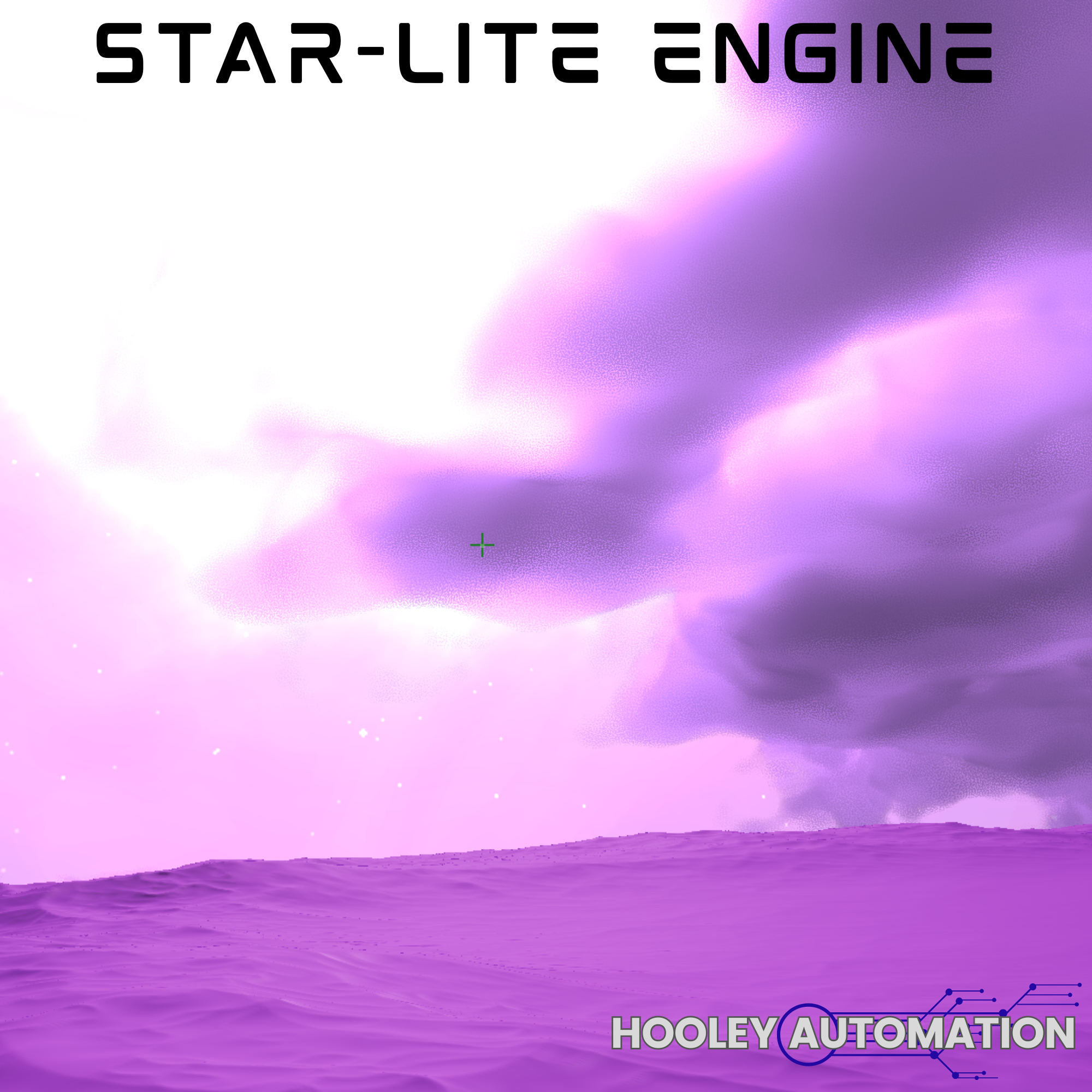
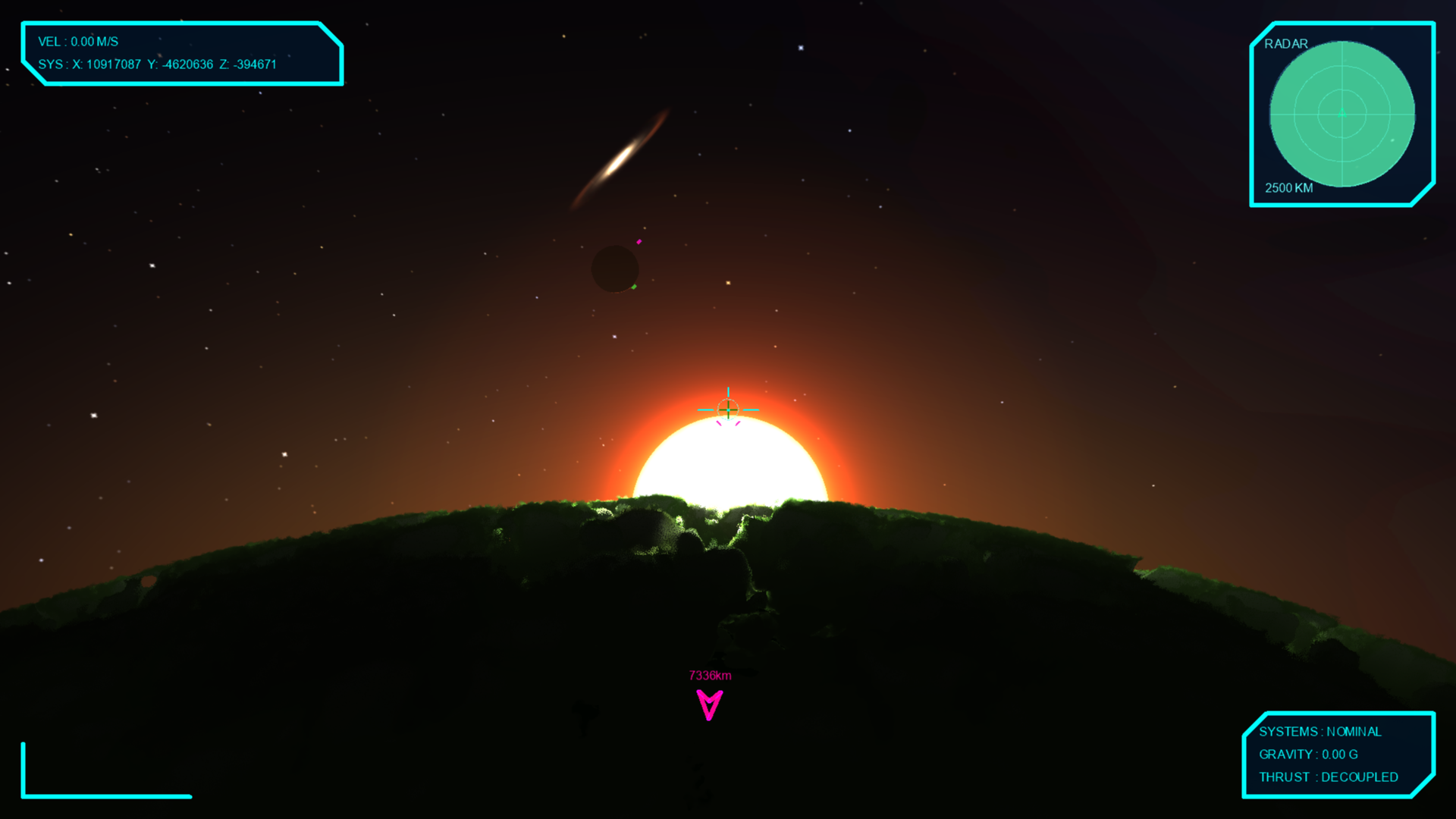
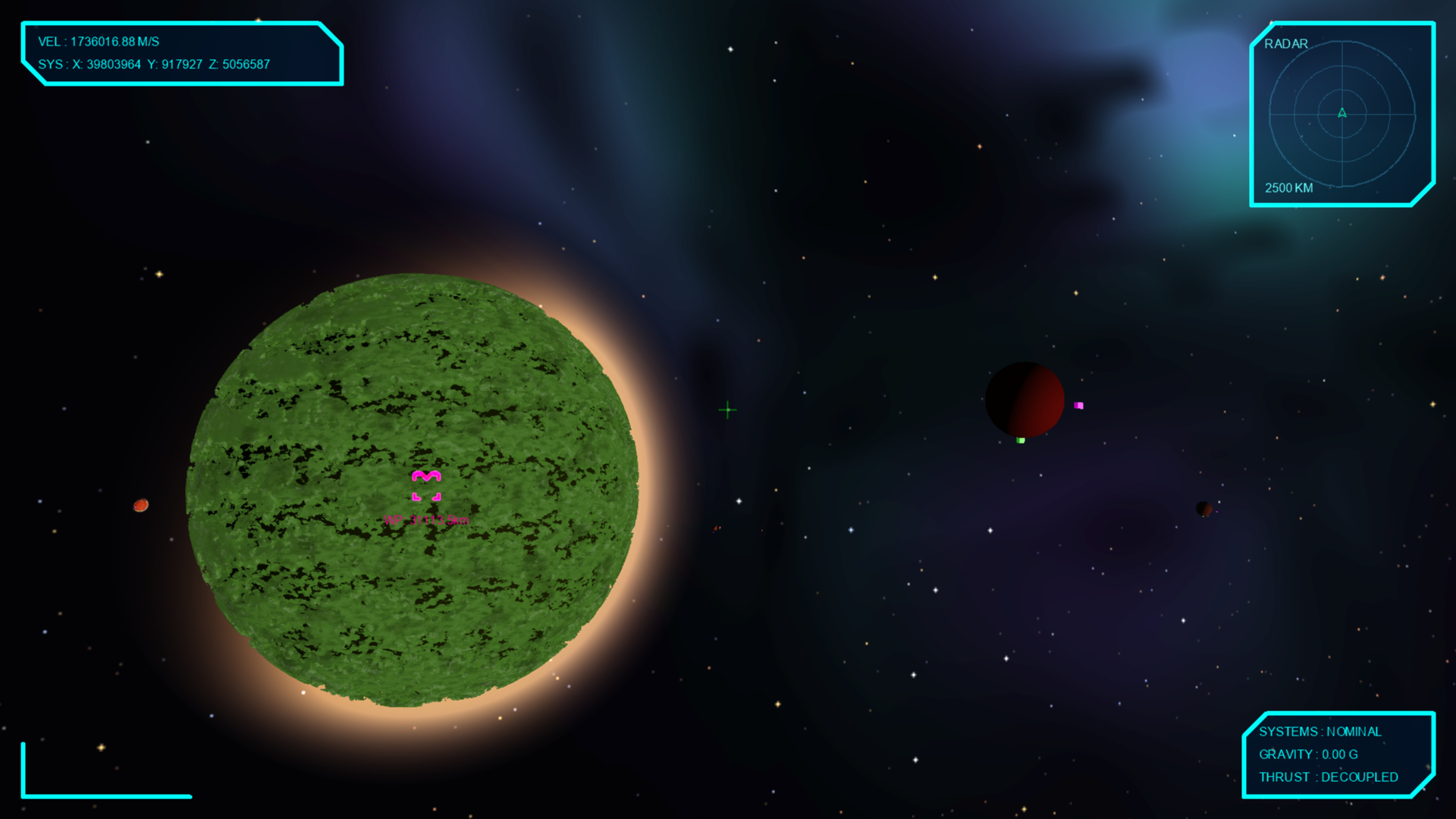
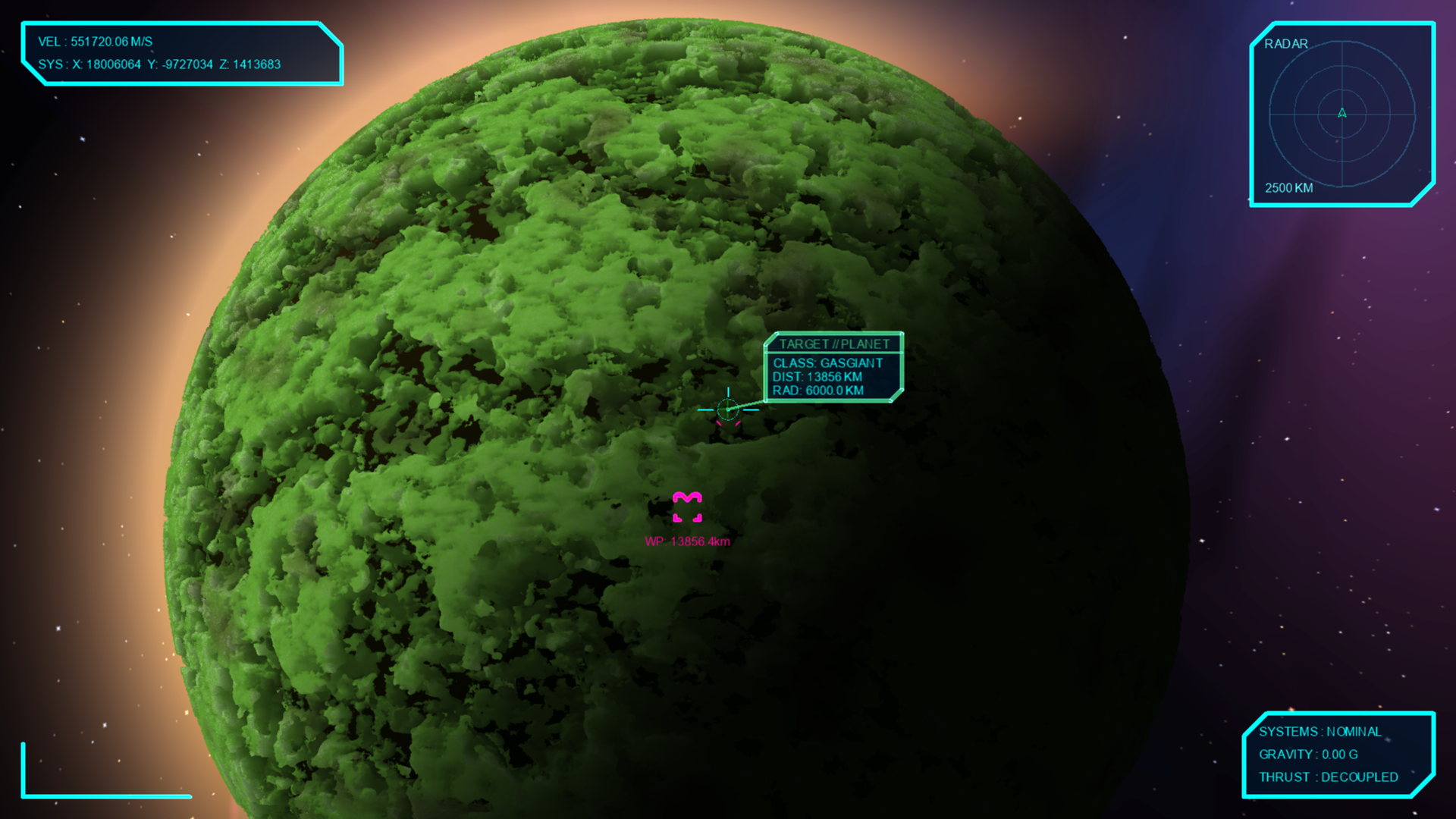
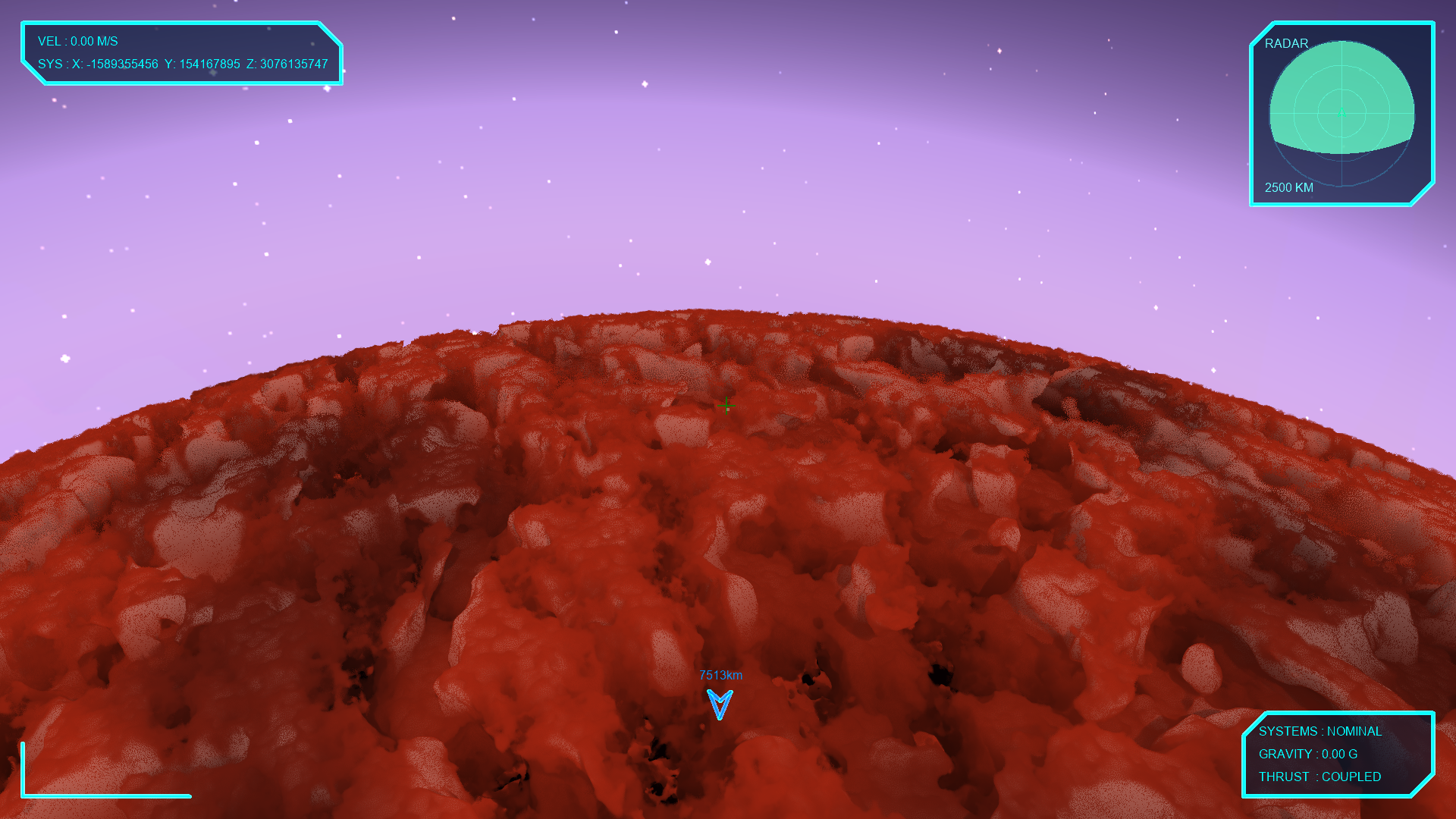
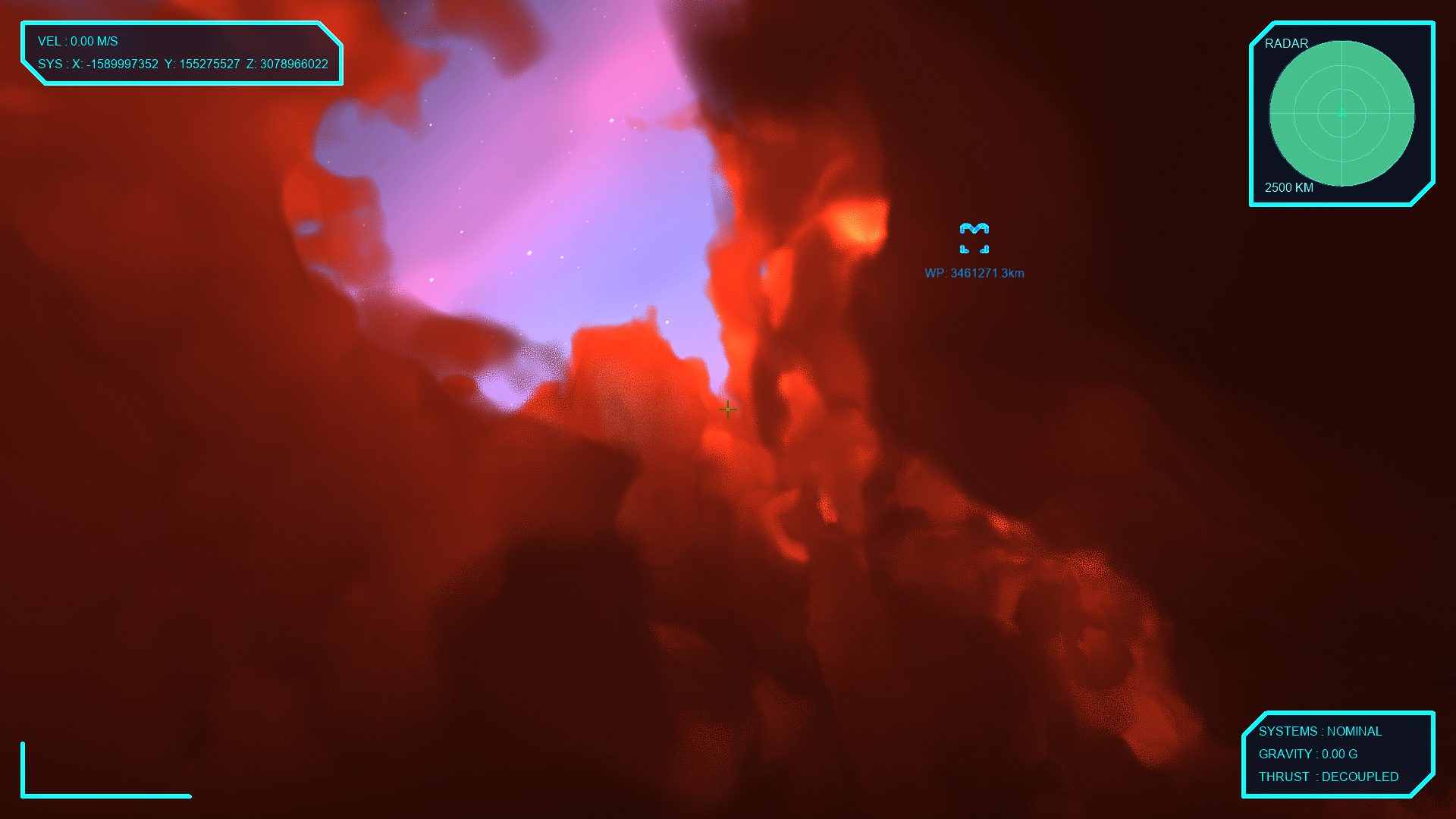
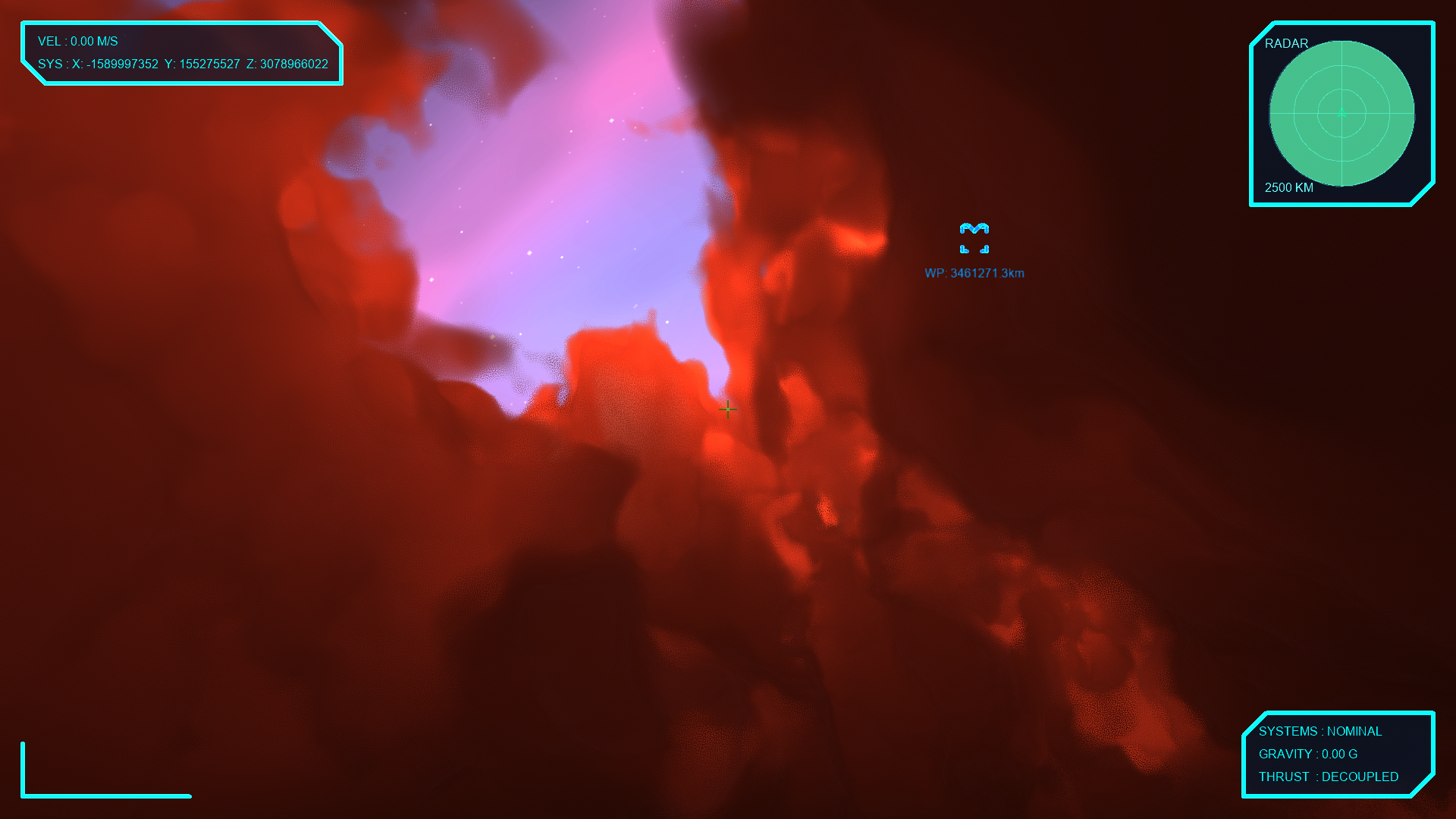
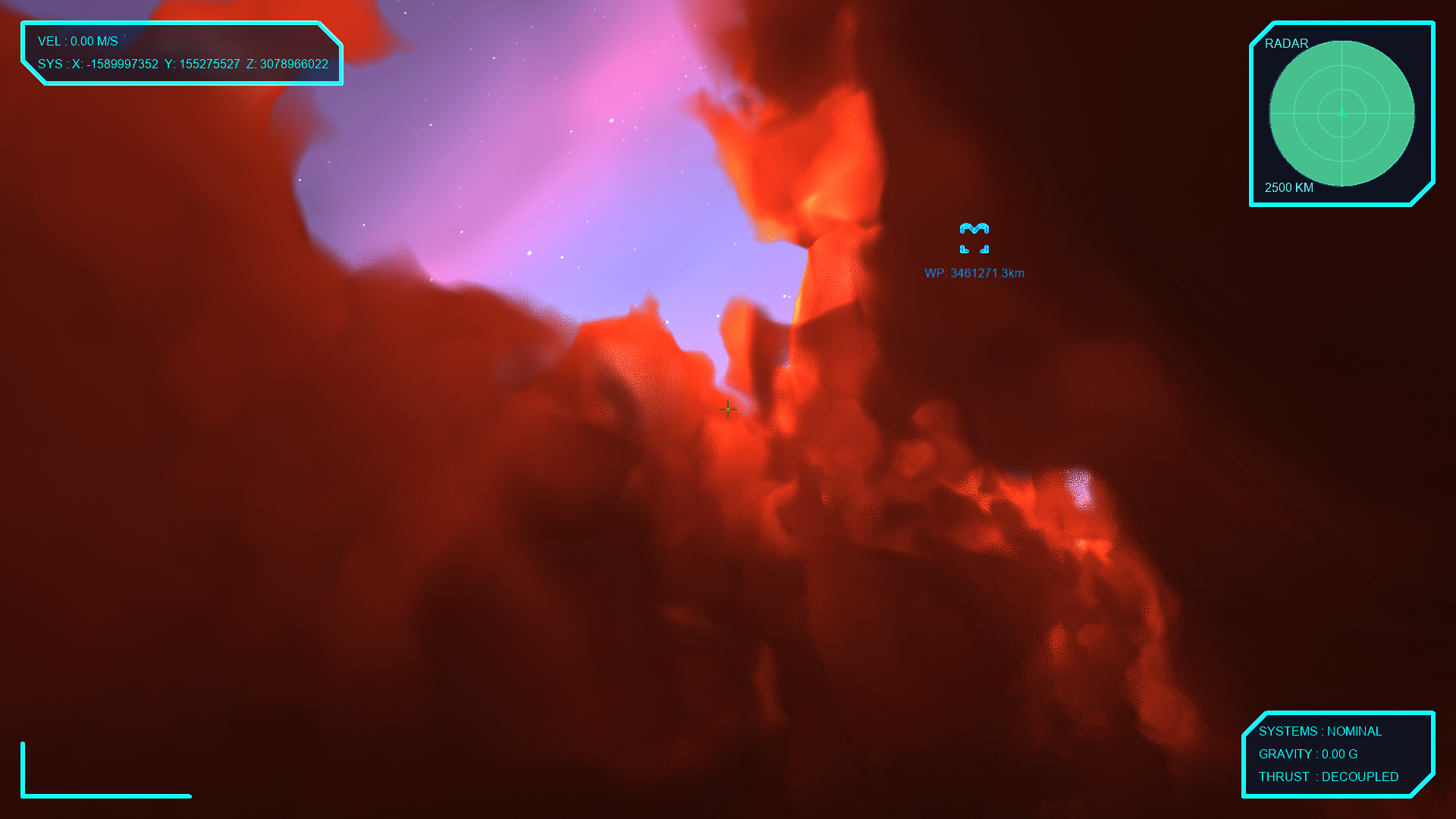
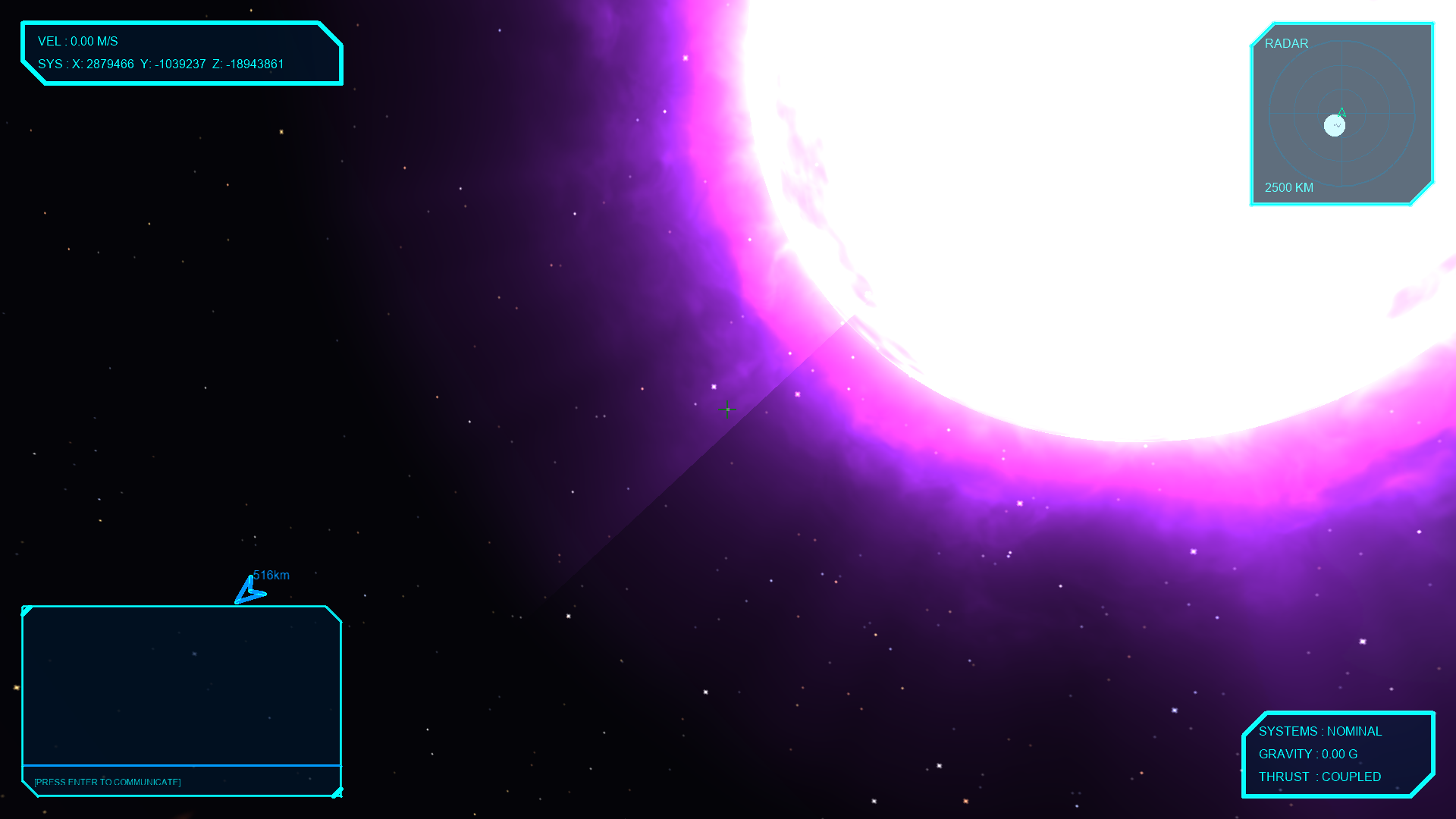
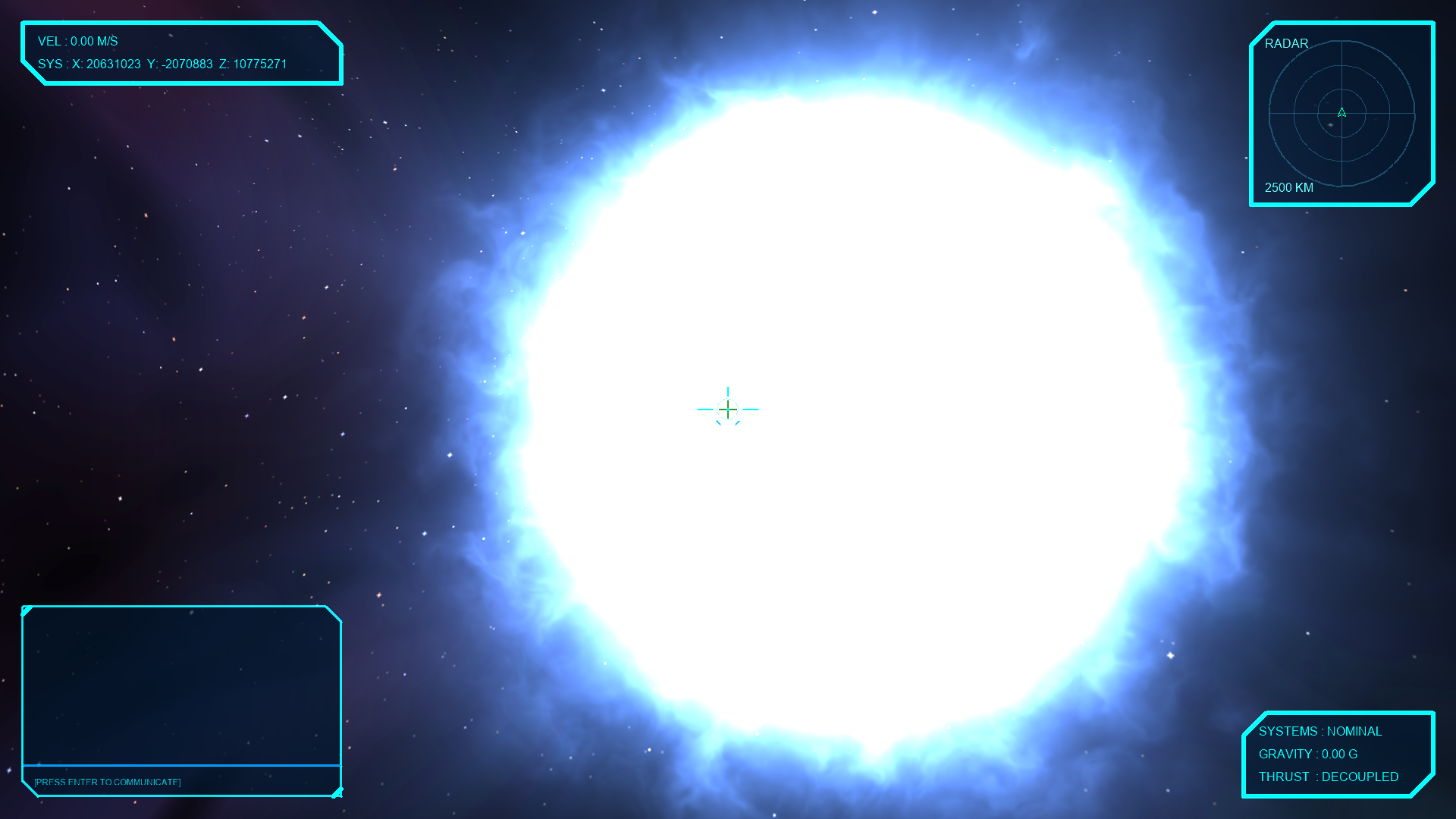
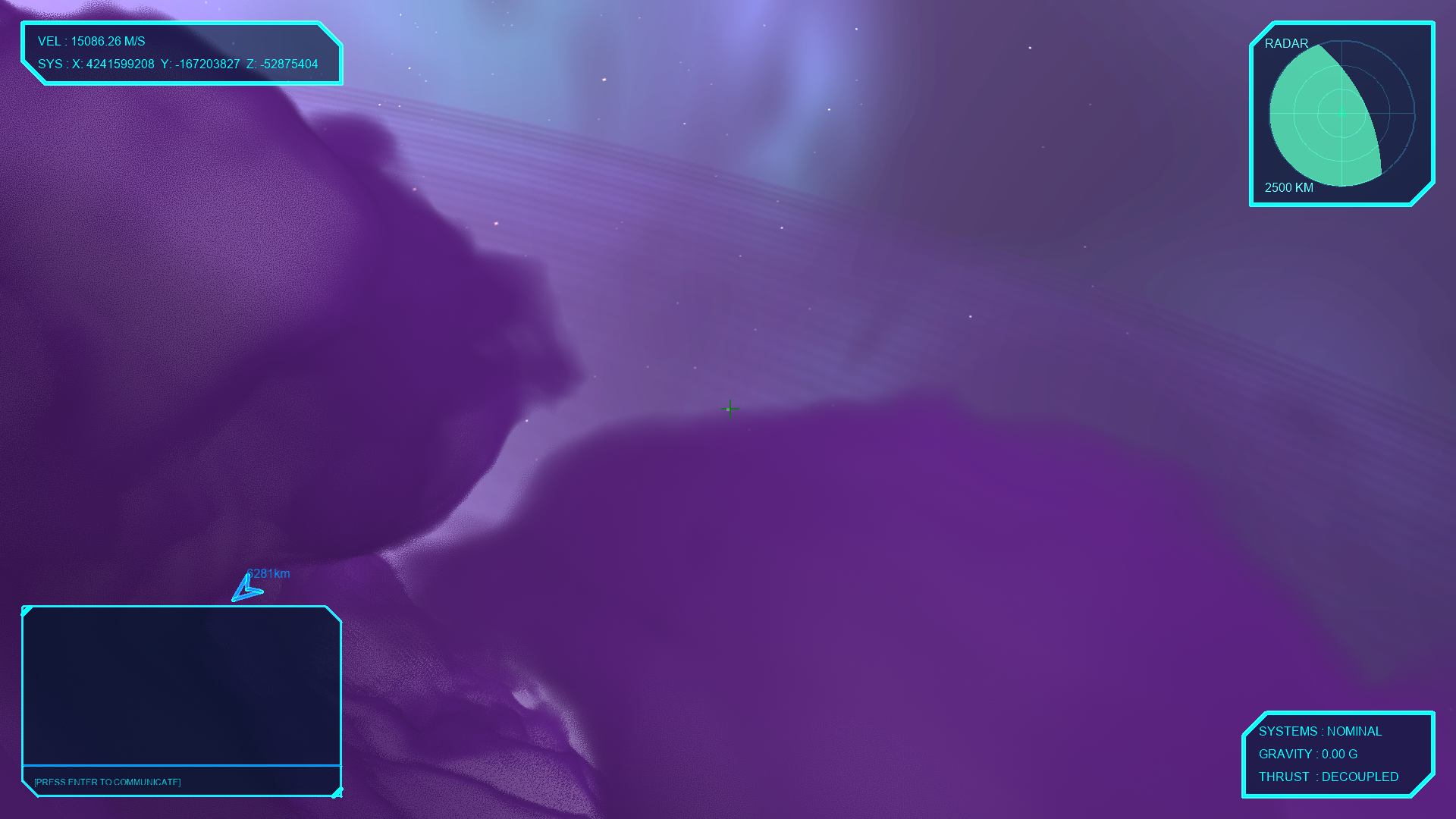
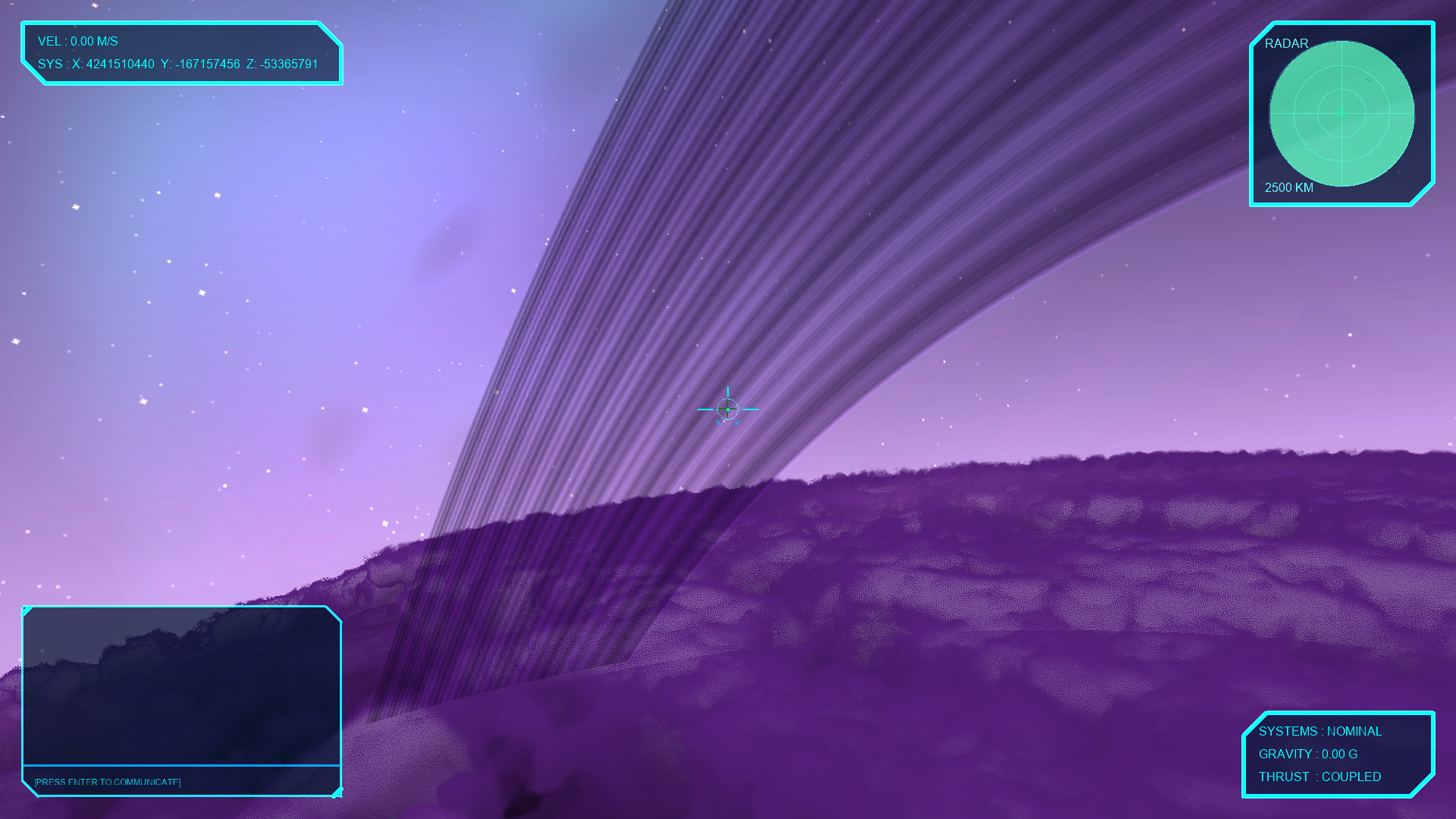
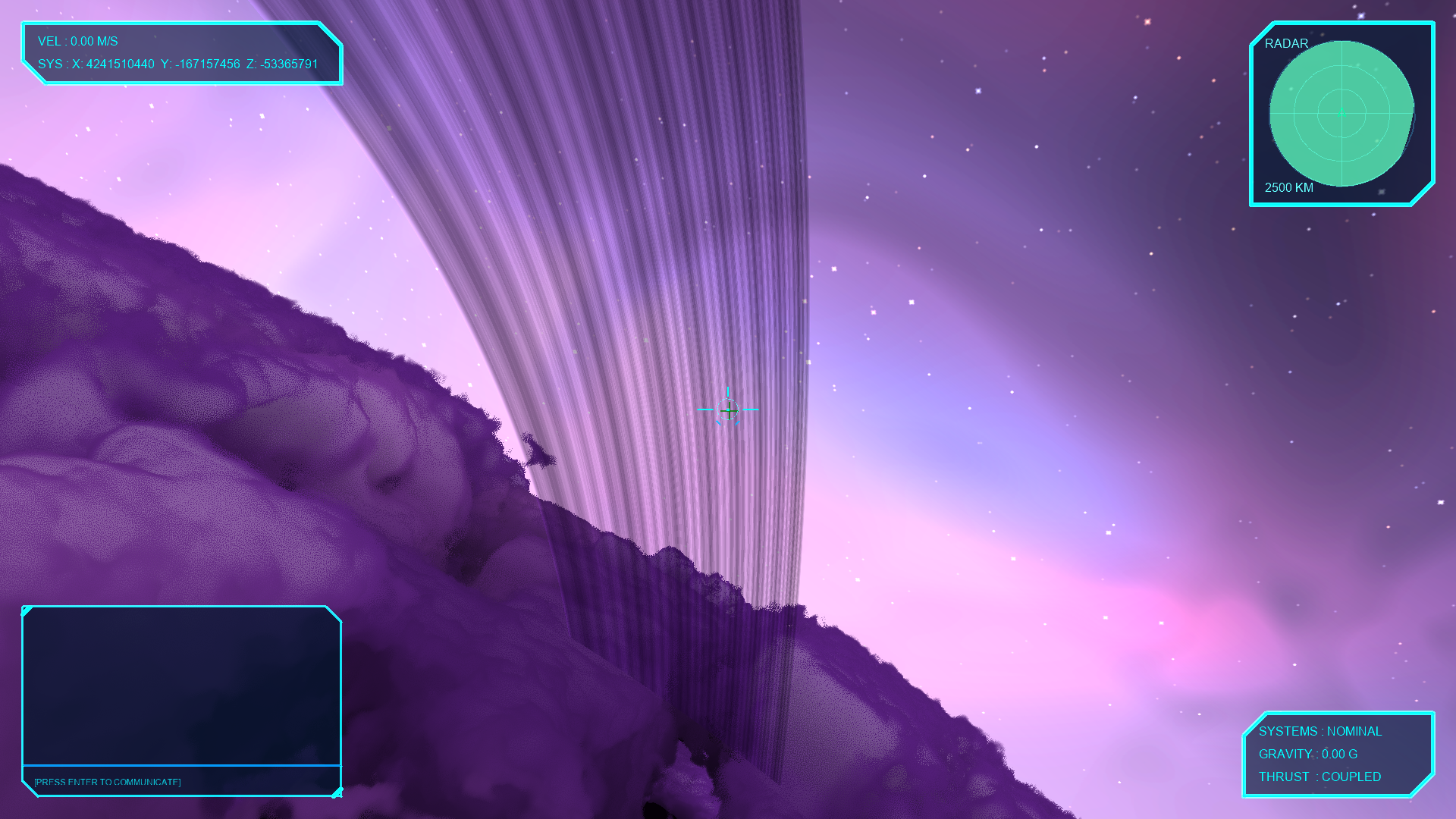
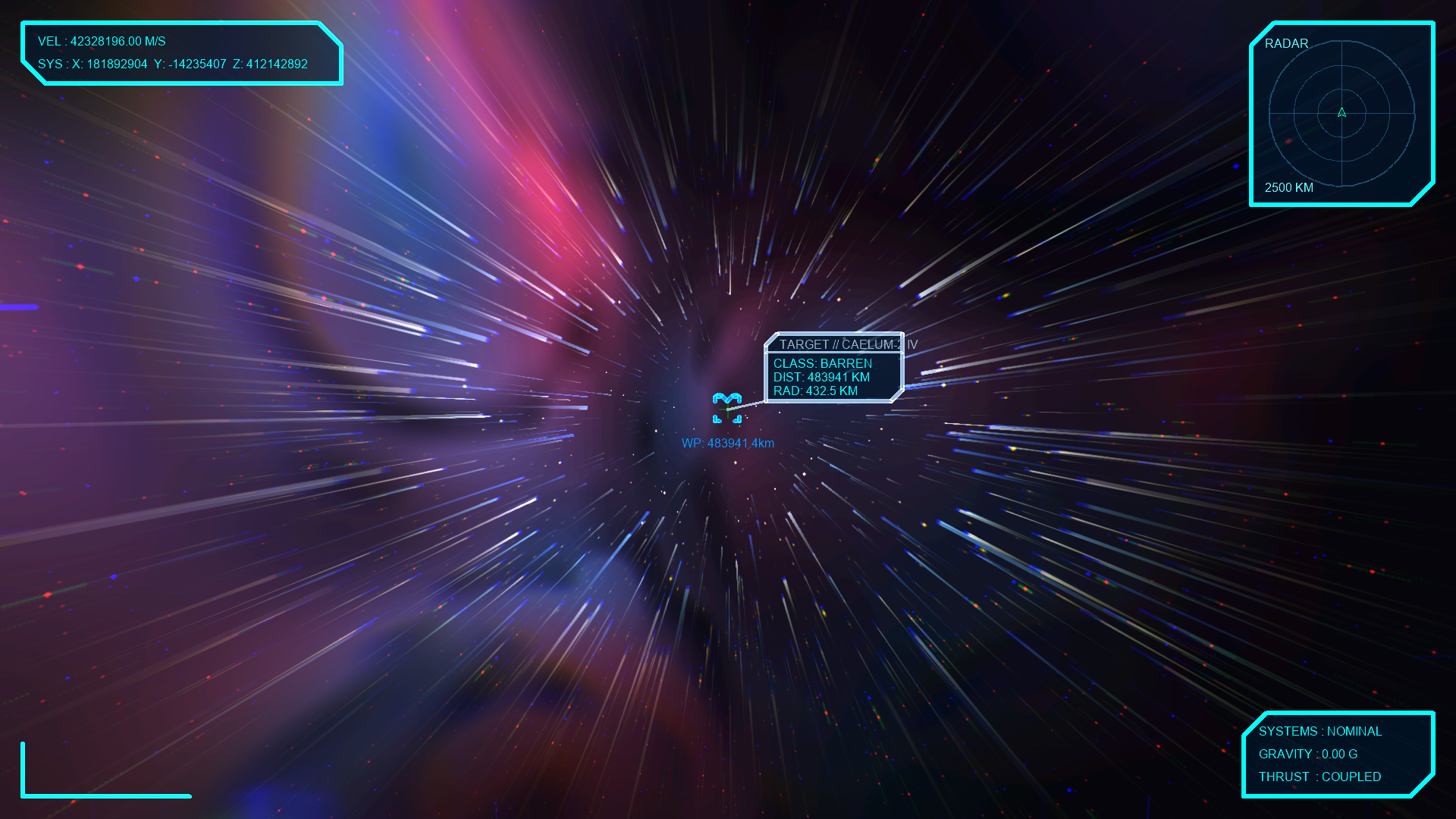
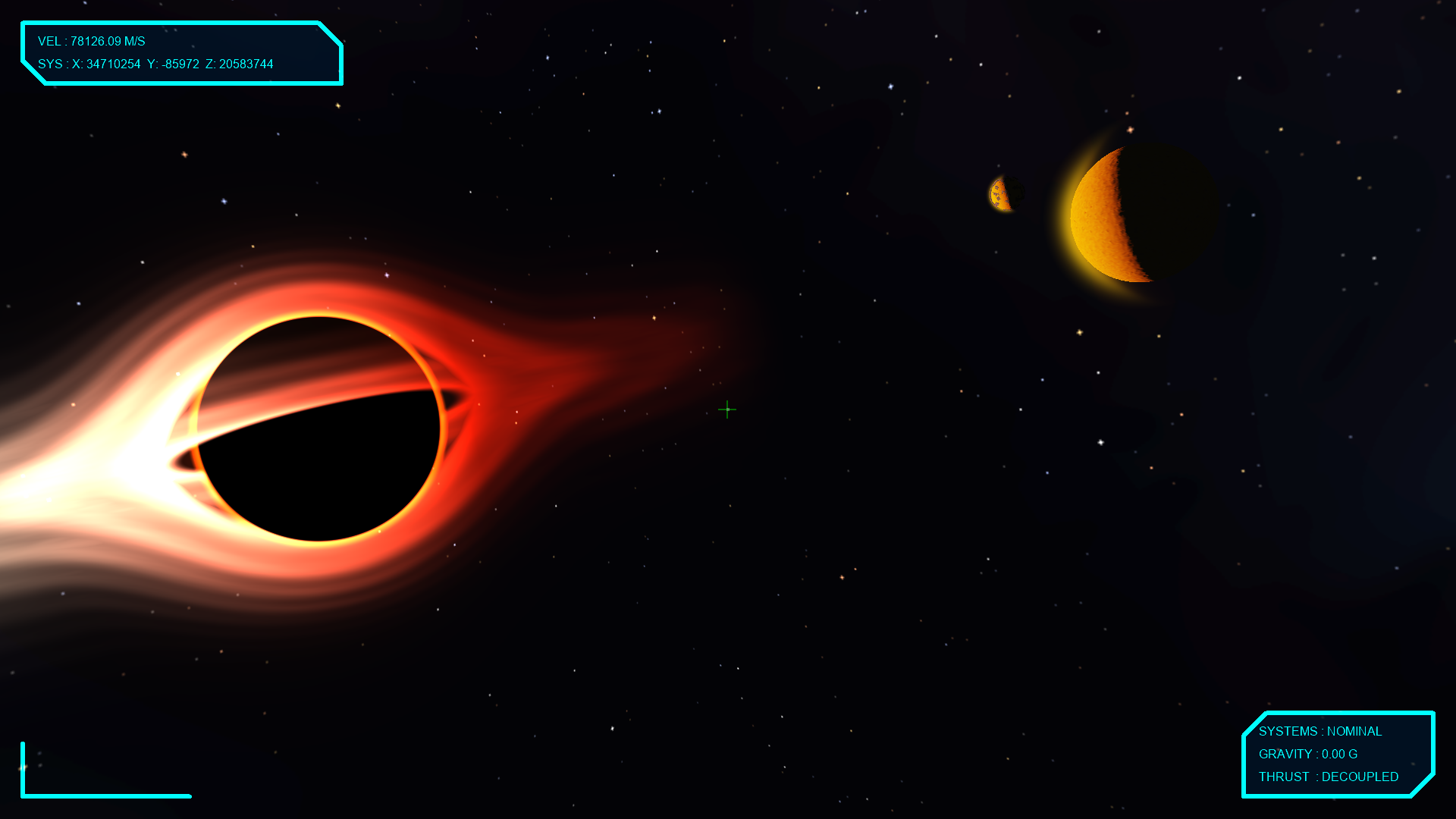
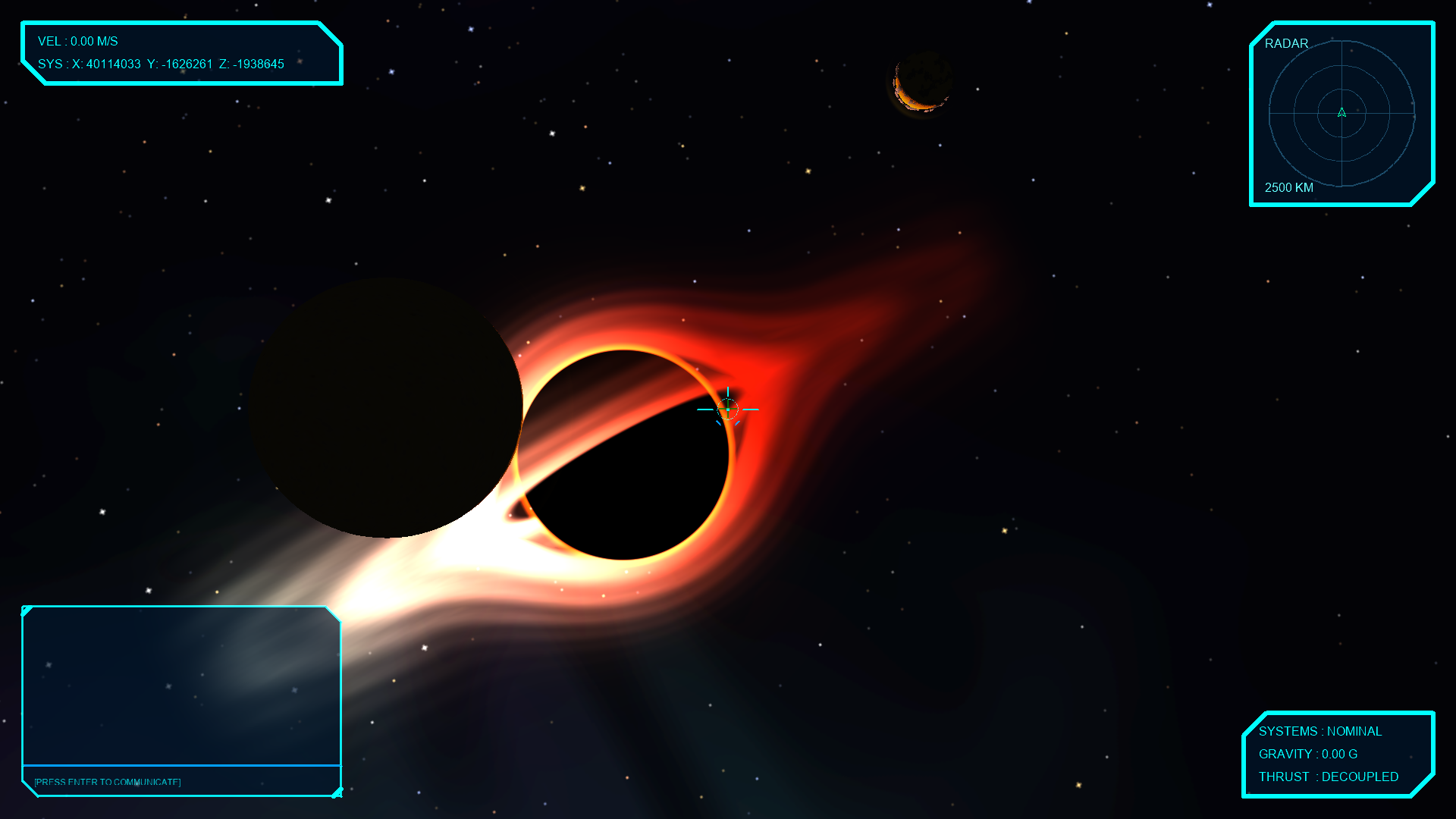
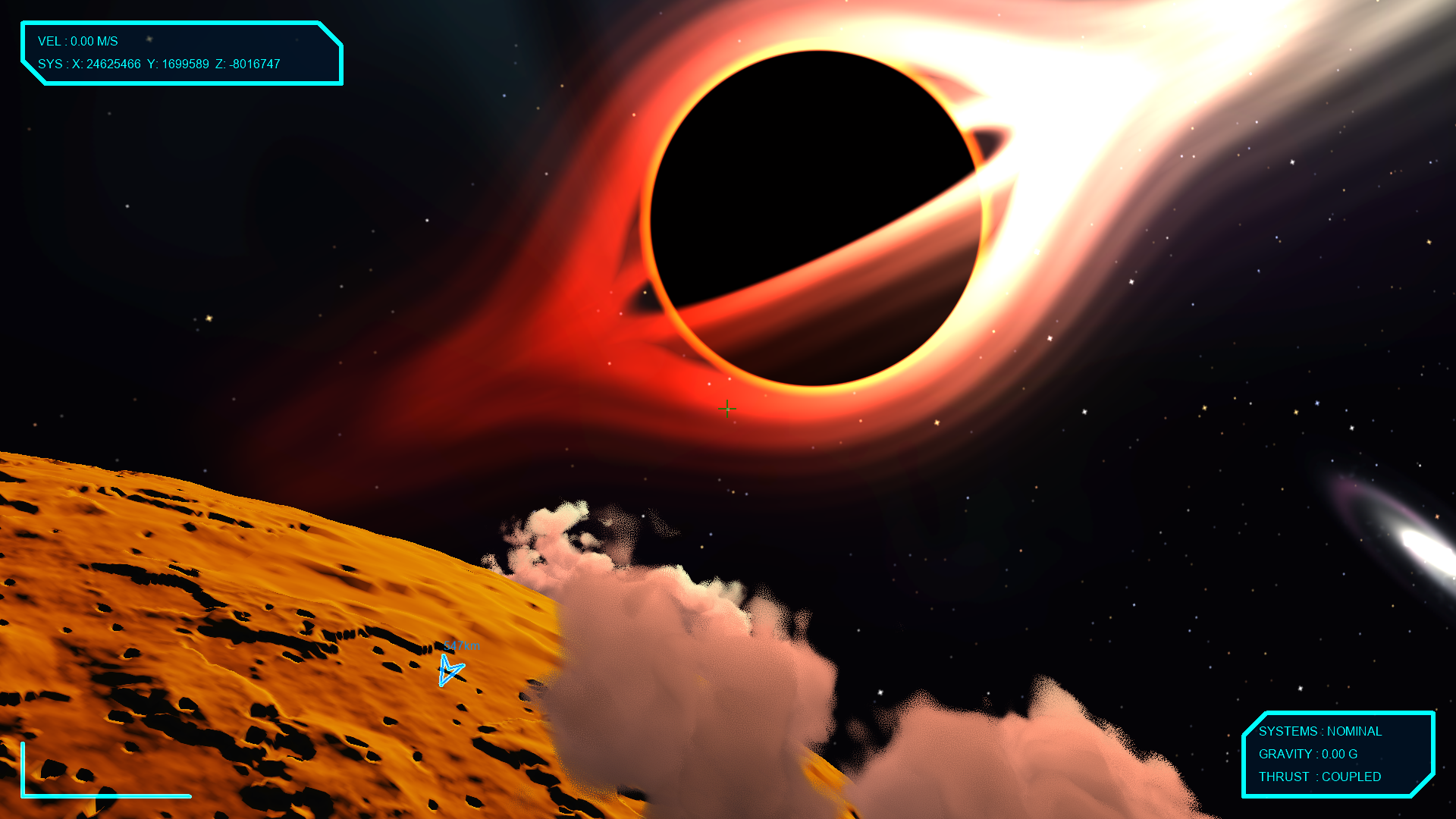
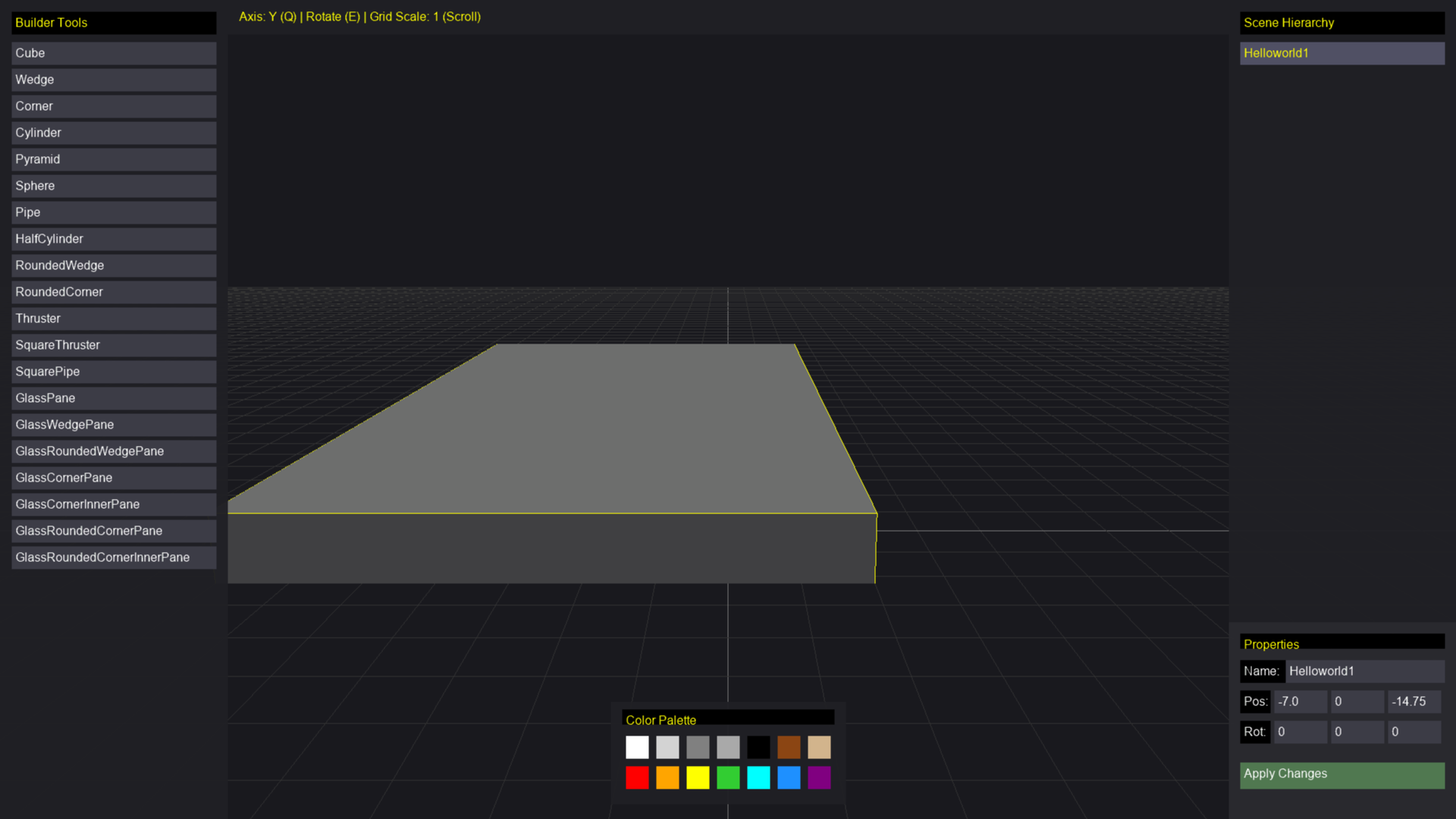
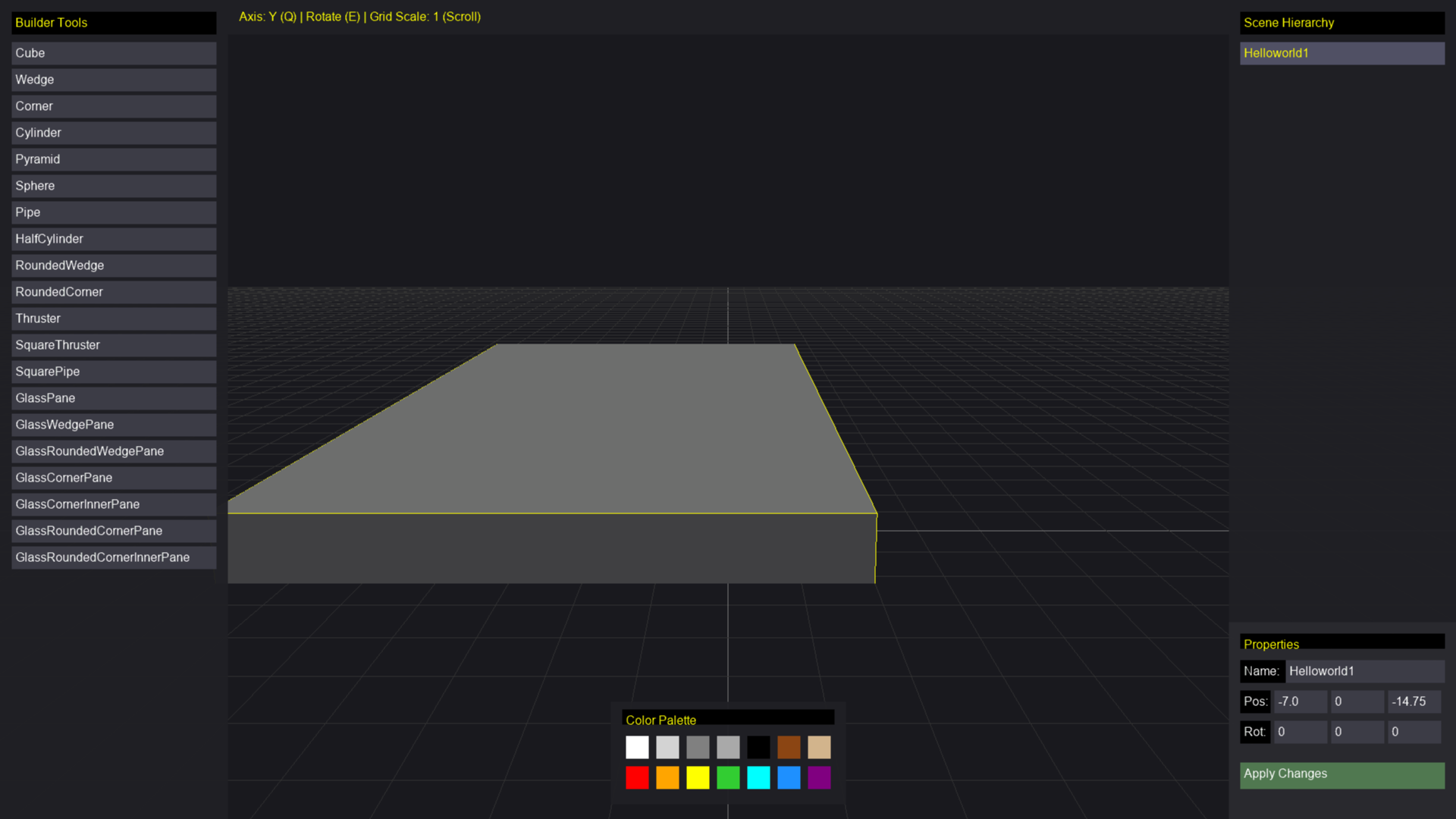
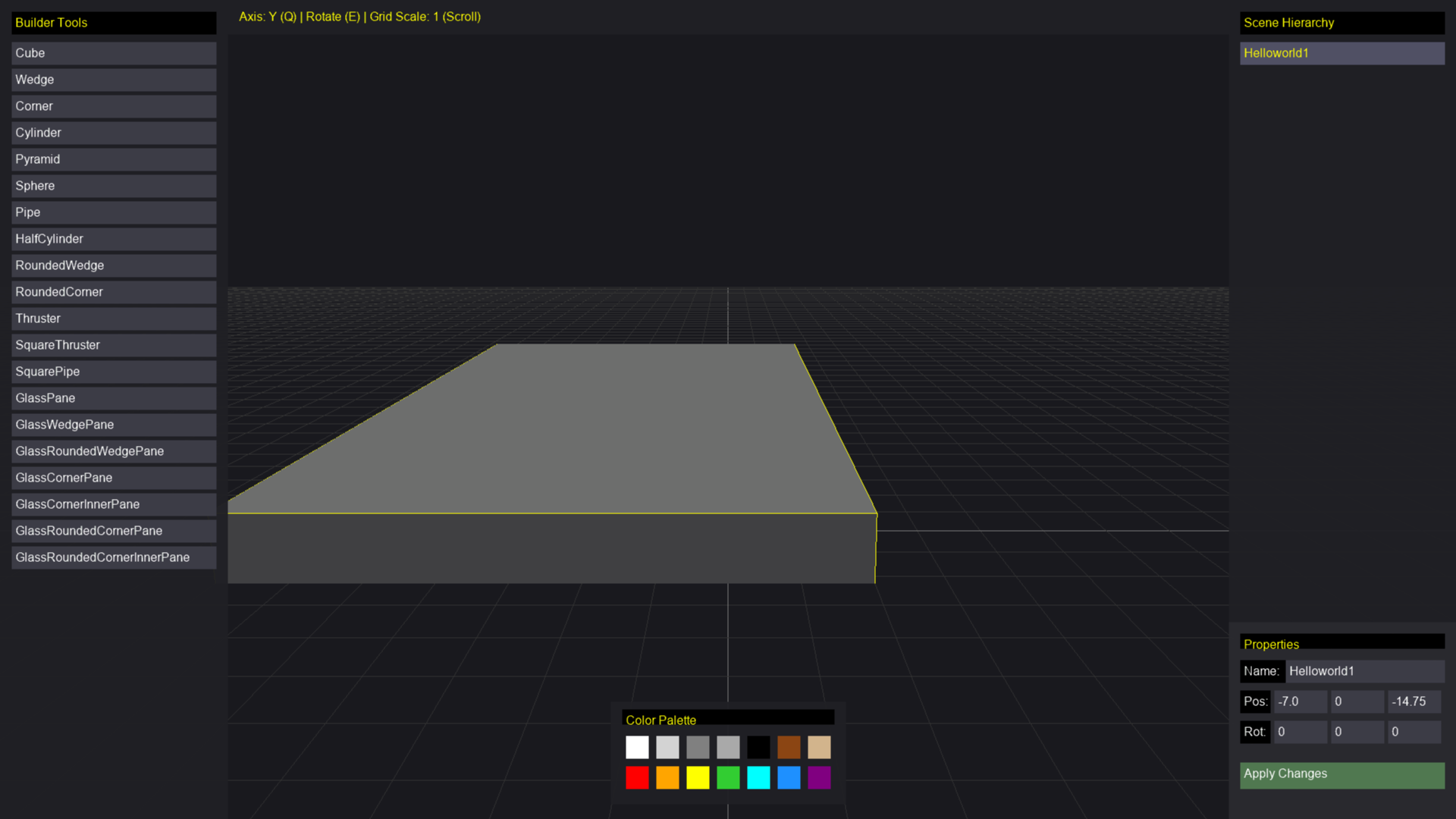
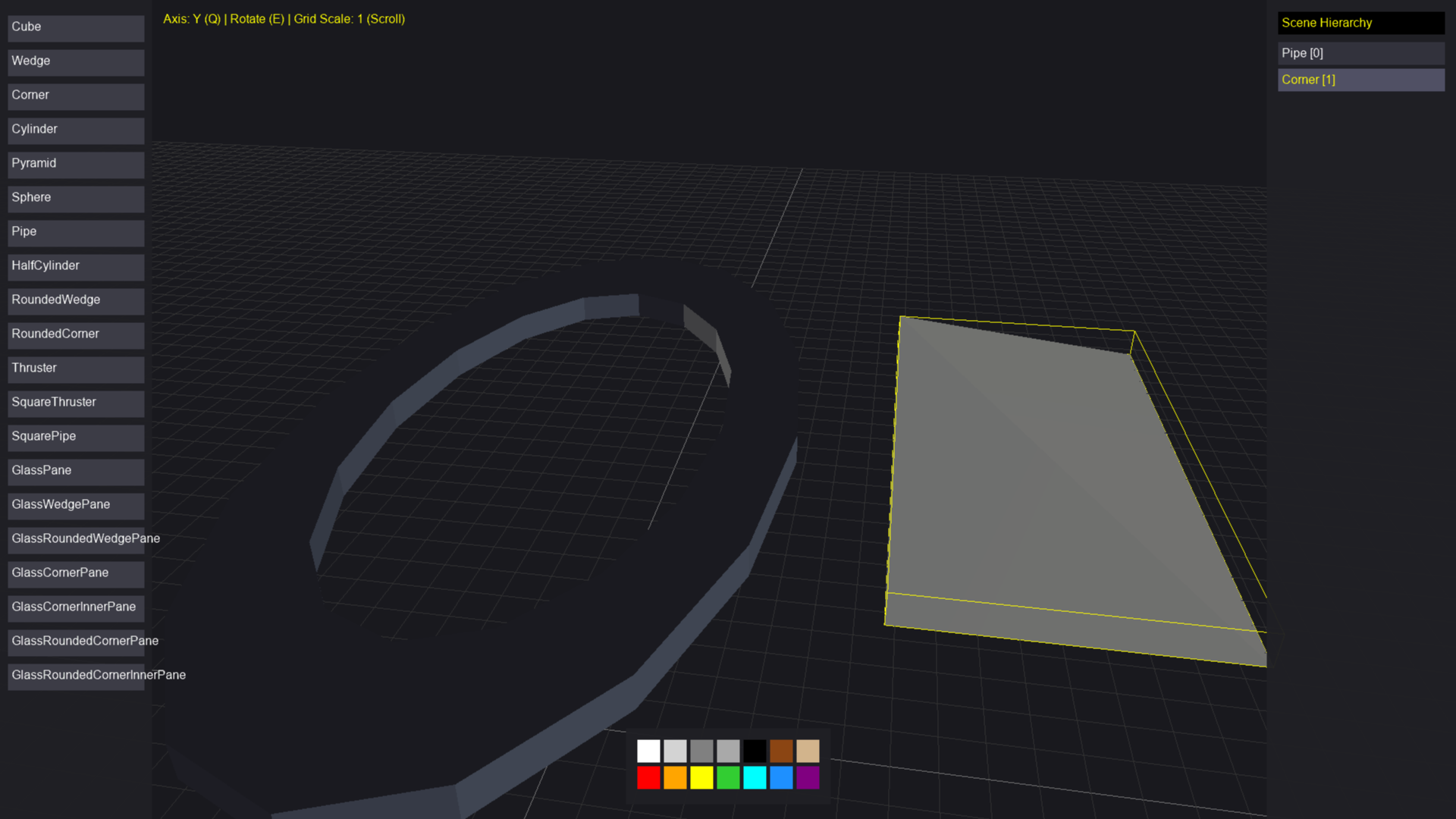
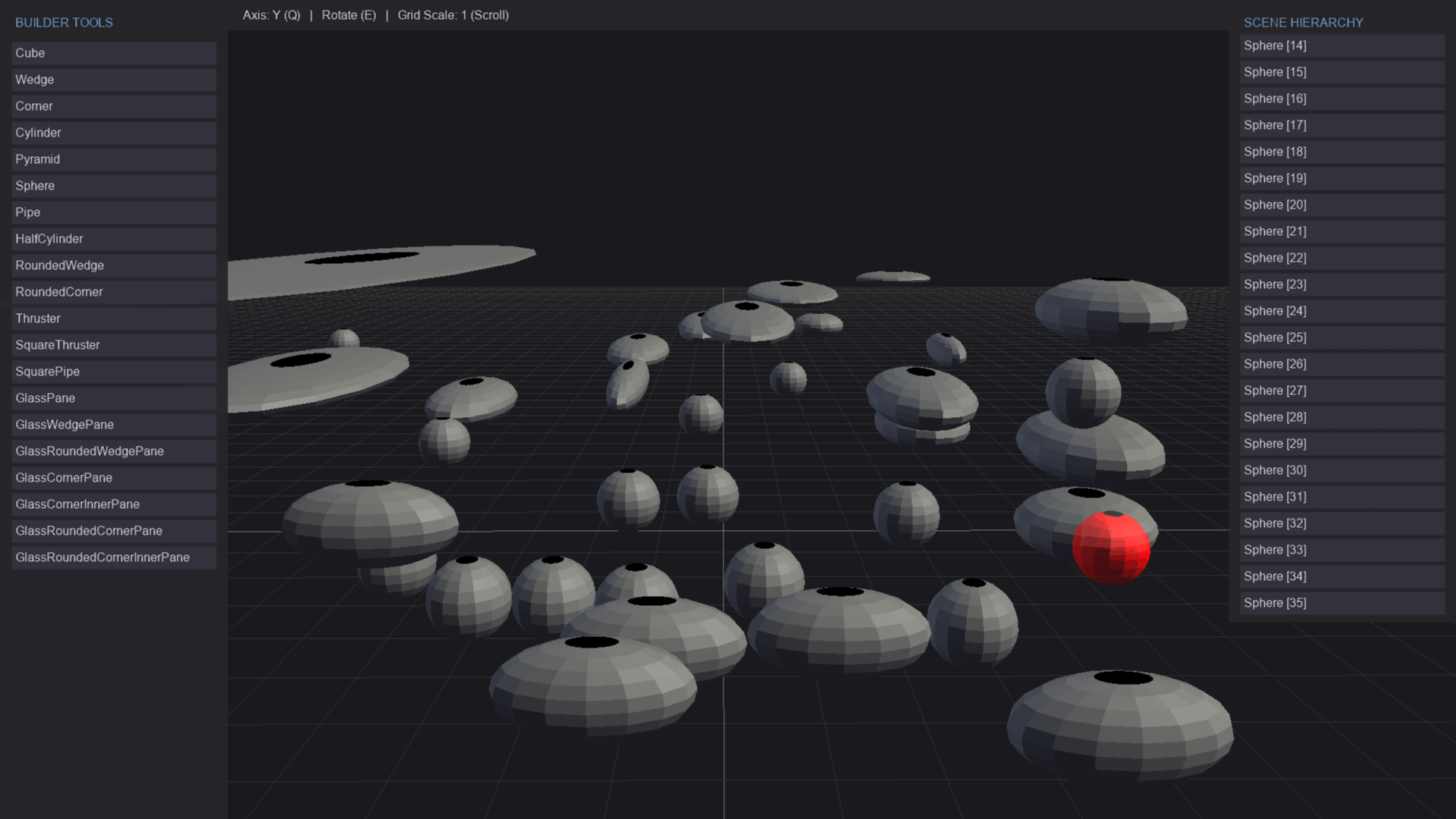
Before integrating the new Asset designer into the actual engine project, I would like to test and get feed back on how it works. The designer we are testing will be used to build ships/POI's for our game. We have provided images of our procedural engine so far. As well as our editor, so far.
Mouse rotates the camera.
Q - Changes the axis.
E - Rotates selected objects.
WASD - Move camera around.
ESC - Open/Close menu.
Left Click - To place block.
Left Click & Drag - To expand block horizontally.
Space - Move camera up vertically.
C Key - Move camera down vertically.
Hold Shift & Left Click & Drag - To expand block vertically.
You can select placed parts and delete them by pressing Delete key. Can select part by clicking on the actual mesh or the item in the list.
Right click to deselect currently selected block.
You can save your designs and load them again to finish later. I am working on updating my UI framework to include new ScrollViews and to work better with 3D environments.
Please let me know how you like it and how/if it works for you!
Download
Install instructions
Download, unzip and launch the exe.
Leave a comment
Log in with itch.io to leave a comment.